2.2 IoT Analytics Channel
Create the IoT Analytics Channel
A channel collects and archives raw, unprocessed message data before publishing this data to a pipeline. Next we will create the IoT Analytics channel that will consume data from the IoT Core broker and store the data into your S3 bucket.
-
Navigate to the AWS IoT Analytics console.
-
In the left navigation pane, navigate to Channels
-
Create a new channel
- ID:
<yourname>_streamchannel. Click Next - Choose the Storage Type: Customer Managed Storage, and choose your Channel S3 bucket (ending in ‘-channel’.) created in the previous step.
- IAM Role: Create New, and give your new IAM Role a name, for example
<yourname>-iot-analytics-role. This will give IoT Analytics the correct IAM policies to access your S3 bucket.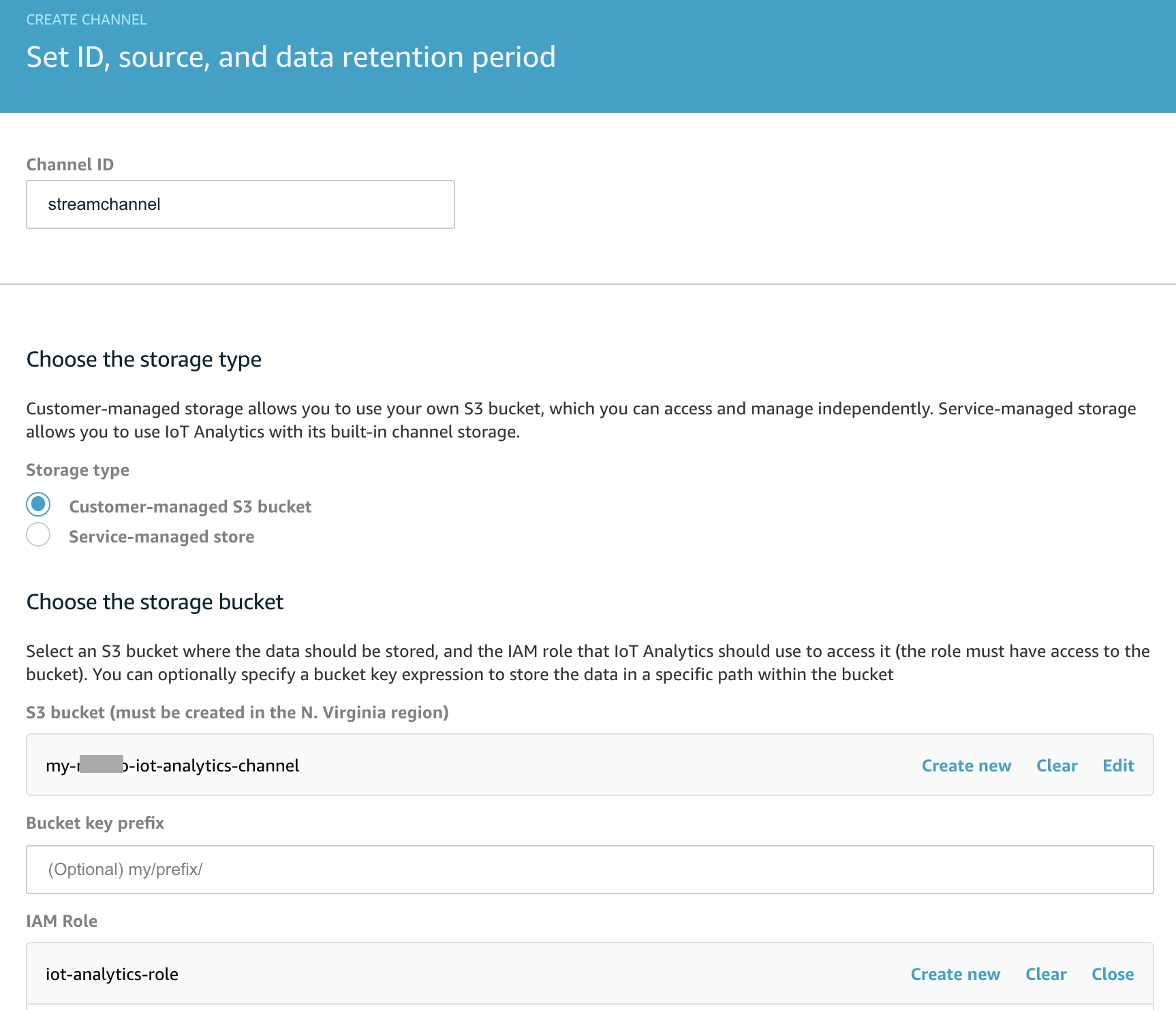
- ID:
-
Click ‘Next’ and input the following. This step will create an IoT Rule that consumes data on the specified topic.
- IoT Core topic filter:
smarthome/house1/energy/appliances - IAM Role: Create New, and give your new IAM Role a name, for example
<yourname>-iot-core-analytics-role. This will give IoT Analytics the correct IAM policies to access your AWS IoT Core topic. - Click on See messages to see the messages from your smartbuilding device arriving on the topic. Ensure your device is still running in Device Simulator if you do not see any messages.
- IoT Core topic filter:
-
Click Next, and then click Create Channel