3.2 Query Execution
Query Execution and Saving the data set
You scheduled the query to run every 5 minutes to update the data set. From the Data Sets screen, you can view the queried content from the data set.
- Navigate to Data sets on the lefthand navigation pane of the AWS IoT Analytics console.
- Click on ‘yourname_streamdataset’
- Click on the Contenttab.
- If you don’t see any file under Dataset Contents, select Run Now to create the initial dataset.
- Under the Dataset Contents section, click the link under the Name column.
- The results will be shown in the preview pane and saved as a .csv in the ‘-dataset’ S3 bucket.
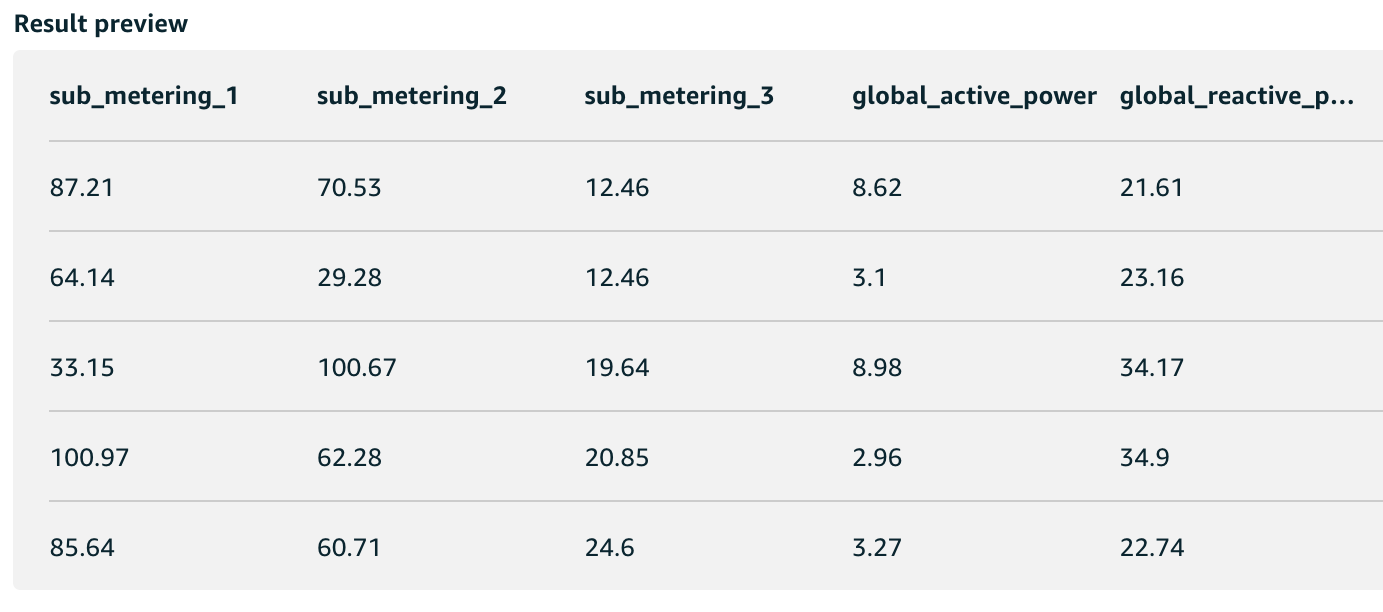
The contents will be updated every 5 minutes, and the results replaced with the new query.